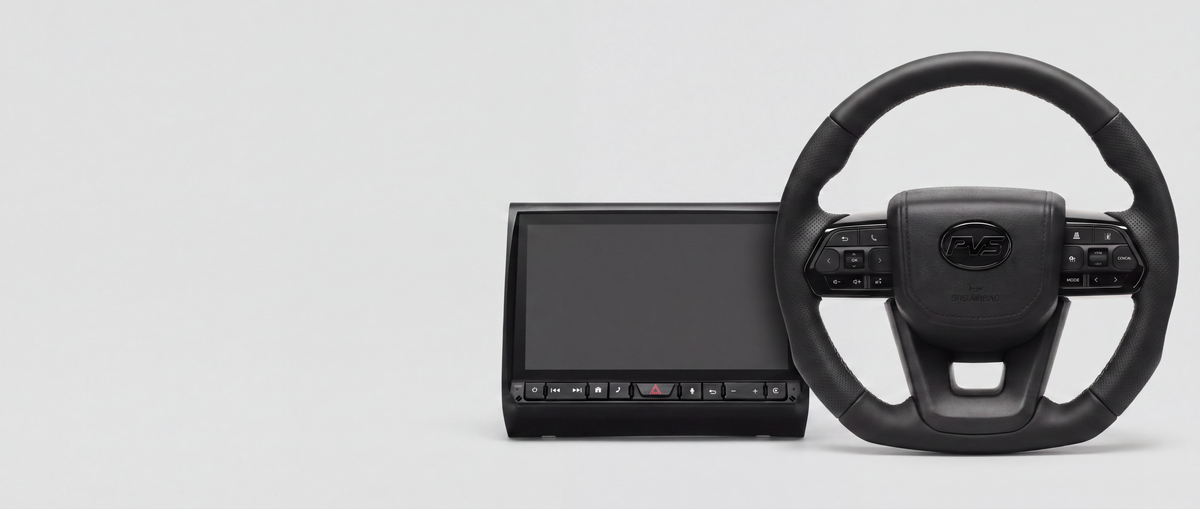

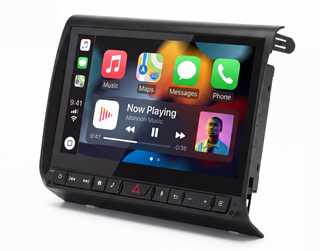
9" MK4 Multimedia Headunit for Toyota LandCruiser 70 Series (2009-2026)
View product: 9" MK4 Multimedia Headunit for Toyota LandCruiser 70 Series (2009-2026)Use this article if…
- Your iPhone Wi-Fi won’t stay on the network you want, and projection fights the campsite, Starlink or router connection.
- Generic wireless drop → CarPlay disconnects. No data path → Internet/SIM. Fresh pairing → Phone pairing.
Problem
- Your iPhone Wi-Fi keeps switching between the MK4, Starlink and wireless CarPlay.
Symptoms
- The MK4 is on Starlink (or campsite Wi-Fi) but your iPhone keeps attaching to the car Wi-Fi profile instead.
- CarPlay works briefly, then you lose Starlink on the headunit or maps stall.
- Your iPhone shows “weak security” or jumps networks when you leave camp.
Cause
- Wireless CarPlay uses a direct Wi-Fi style link between your phone and the headunit. Your phone may prefer that over the router you want for data.
- Some builds save the headunit as a known hotspot and auto-join to it aggressively.
- Your phone can treat the car link as the data path, so the two routes conflict.
Fix Step-by-step
- Plug in USB CarPlay as a test, so your phone can stay on Starlink (or your camp router) for data while the cable handles projection.
- On your iPhone, open Settings → Wi-Fi, tap the ⓘ on the headunit network, then turn off Auto-Join. Forget the network if you don’t need wireless CP that trip.
- Turn off Wi-Fi Assist for now in Settings → Mobile, then check whether your phone stops bouncing between paths.
- On the MK4, check your Starlink or router credentials are saved, then reconnect from internet / Wi-Fi setup after you change the phone settings.
- If you need wireless CP and Starlink at the same time, plan around it: many crews use USB for CarPlay and leave Wi-Fi on the headunit for data.
Notes
- Internet setup: Wi-Fi / SIM / hotspot on the MK4
- CarPlay drops: CarPlay disconnects
- Wireless pairing: Wireless CP/AA, phone pairing
- Note: this covers iPhone Wi-Fi routing only, not camera or speaker faults.